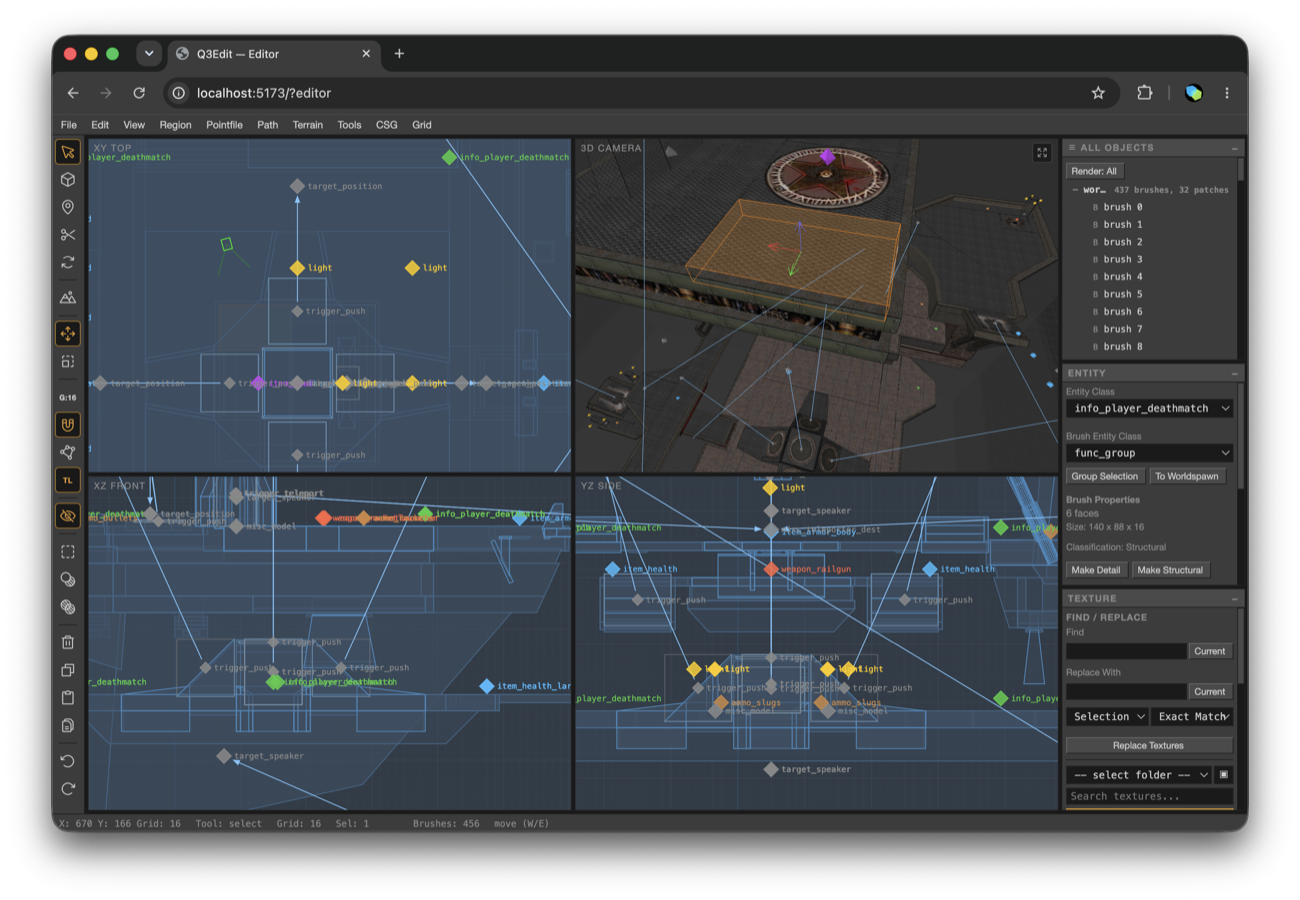
Edit, compile & play Quake III maps in your browser.
Open, edit, and save real .map files — brushes, patches,
entities, and terrain in a TypeScript + WebGL2 editor, with BSP
compilation by id Software's original q3map compiled to WebAssembly.
One click launches your compiled map in browser-native ioquake3.
- 01 Radiant-style four-view UI
- 02 Brushes, patches, CSG, terrain
- 03 q3map + ioquake3 in WASM
Build maps with Codex or Claude.
Connect an AI coding agent to the map open in Q3Edit. The agent can inspect, create, texture, validate, compile, and playtest geometry while every atomic edit appears live in the browser and remains available through normal undo.
MCP setup instructions- 01Run the local companion
Your maps, compiler, assets, and activity logs stay on your computer.
- 02Connect Q3Edit
Enter the pairing code in View → Local MCP Connection, or use the printed editor URL.
- 03Describe the map
Use Codex, Claude Code, or any compatible MCP client to author and review it.